
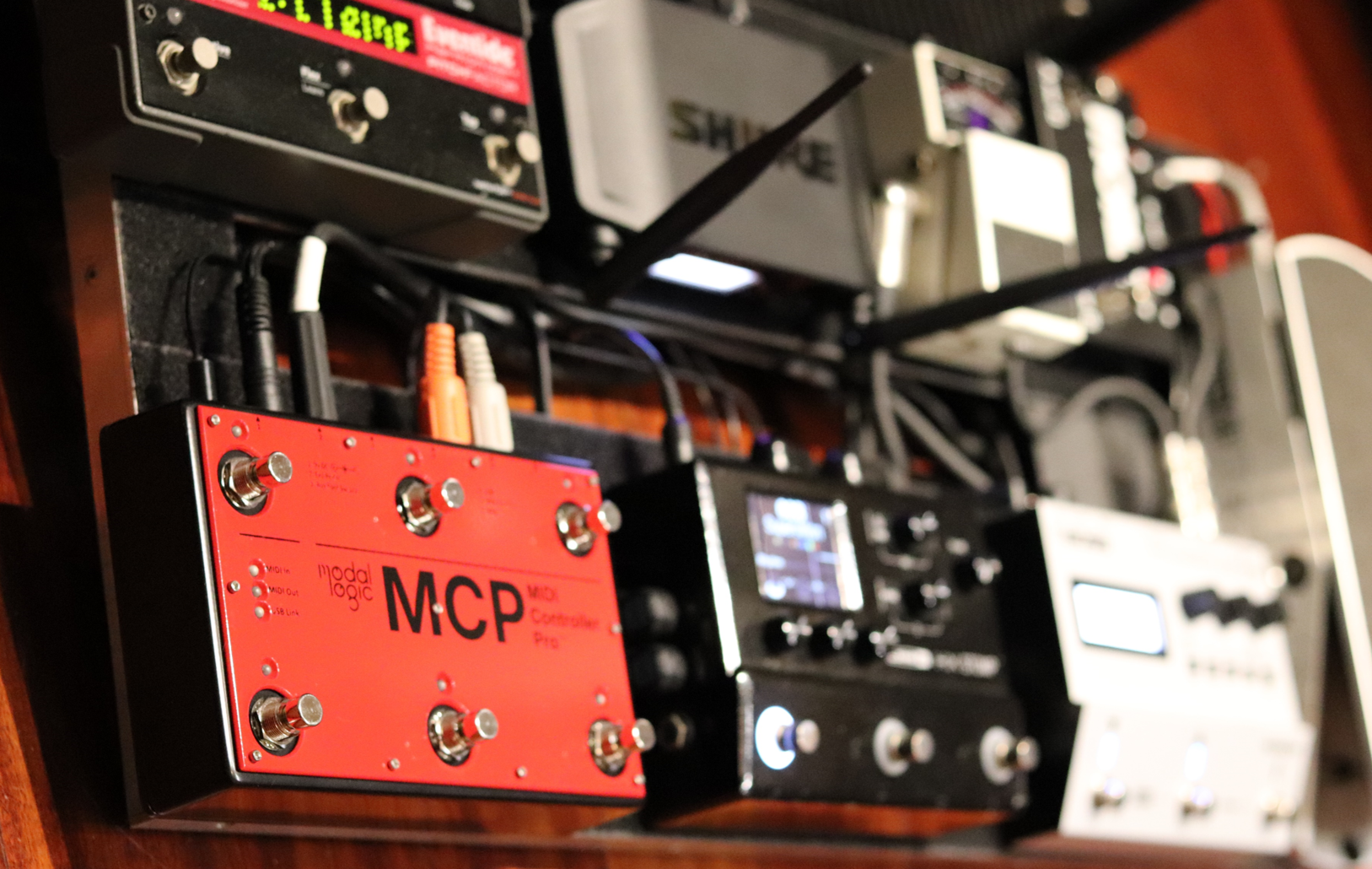
MIDI Controller Pro Software
MCP Control Software
Designed to be intuitive for everyone, yet provide access to all parameters to customize the MCP

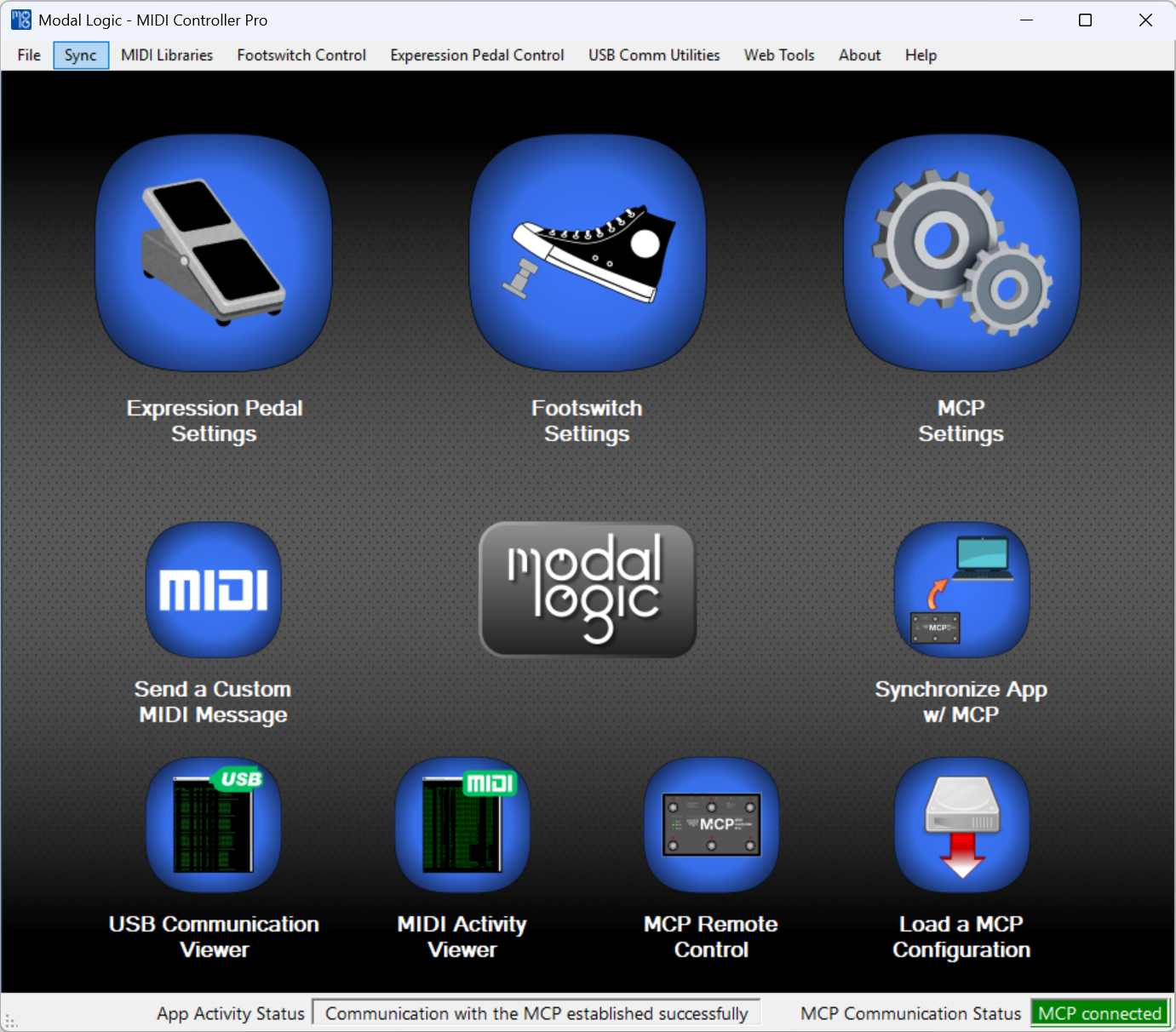
Our GUI - Simple and Intuitive
Intuitive access to MCP functions and MIDI data
MIDI viewer to see the MIDI messages received and sent
Save all your MIDI presets for easy recovery
Infinite number of presets savable to your computer
Quickly load all controllable parameters and presets with one file selection
Send custom MIDI commands
Remote control of your MCP with your keyboard - No footswitch activation required
Access deep parametric control to customize the MCP
Check and update your MCP software
Ultimate Foot Switch Control
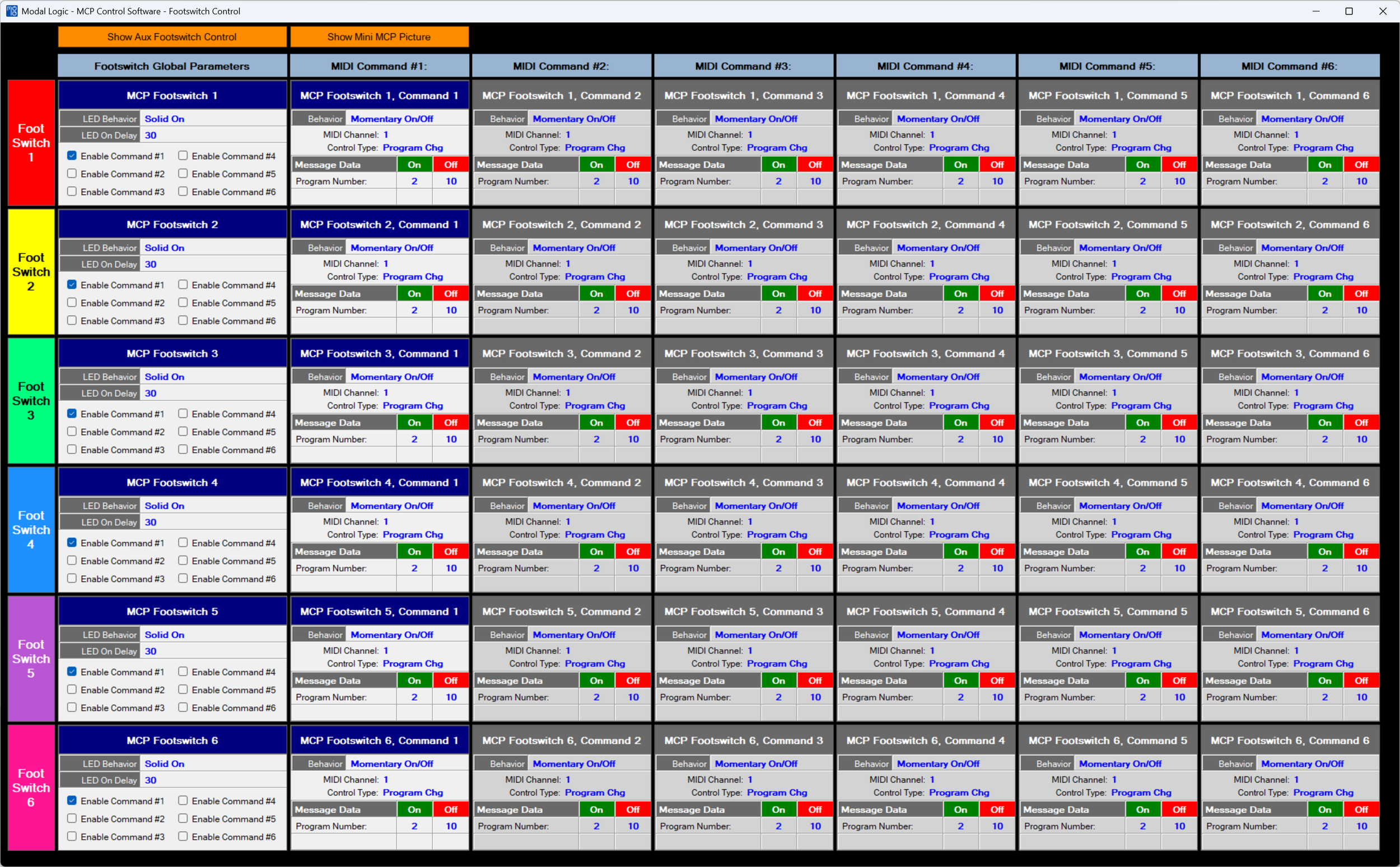
Each Footswitch is configurable - here is where the details are managed
Highly visible interface to see all your commands in one glance
Footswitch Indicator (LED) Behaviors - choose how the LED indicates status: No Light, Solid On, Flashing, User-defined Delay, and User-defined Delay w/Flash
Footswitch Behaviors - choose when your command gets sent: Momentary On Only, Momentary On/Off, and Latching On/Off
Select up to 6 “On” commands
Select up to 6 “Off” commands
Select any MIDI channel
All MIDI command types accepted (does not include Sys Ex commands)
Enable and Disable each command with ease
Make Your Expression Pedal Better
Control Exactly how you want your Expression pedal to respond
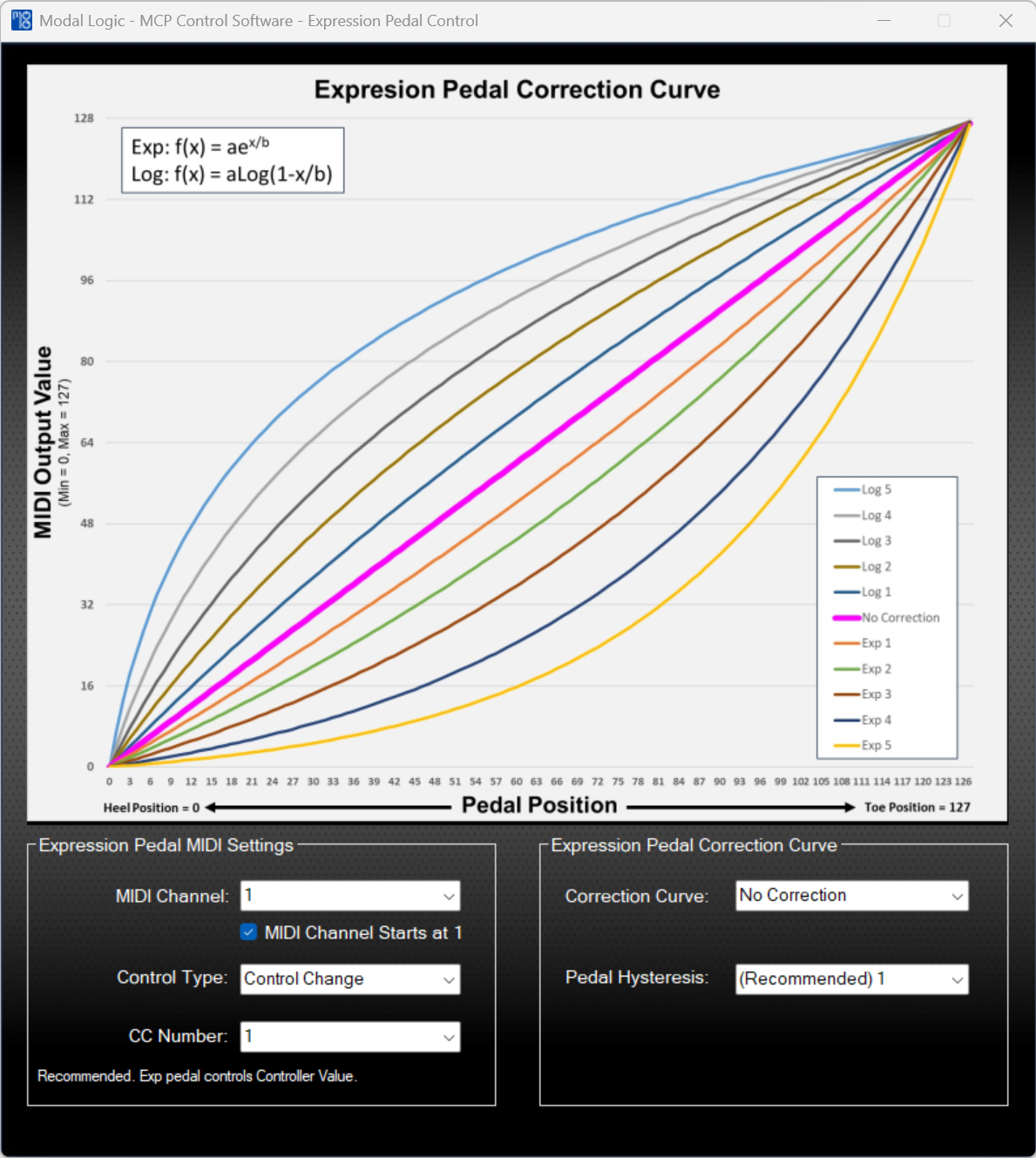
Choose from 11 different Correction Curves to make your effect respond that feels most natural to you
The Correction Curves make virtually all “volume control pedals” work the way you want them to
Use this app to set all your MIDI parameters for the Expression Pedal
Do you have a noisy pedal? No problem. Adjust the Pedal Hysteresis parameter so that MIDI messages are only sent when the pedal is moved
Intuitive graphics to quickly see how the pedal will respond when you choose a curve
Need a different curve? No problem. Our software can ingest your custom curve